
Keep the context
Bring apps, files, links, tasks, and notes together in each chae. Spend less time finding your way back.
A PLACE TO SETTLE IN
Bring what you need into one place.
Ease into focus, stay with your work,
and let your day leave a record.
macOS · Windows

A QUIETER WAY TO WORK
Plans and materials. Focus and reflection.
Bring the pieces of your day together in a chae.
Create a chae for each project. Gather your tasks, notes, favorite apps, and the materials you need.
Press start to open your apps and materials. With the timer running, stay with the work you came to do.
Finish with a short note. Your actual time becomes a record in your connected Google Calendar.
Actual macOS app · Demo content · Korean interface · No audio View full video
A SPACE OF YOUR OWN
A chae for writing. One for your next project.
Another for reading and a moment of rest.
Keep the context and a view you love together.
Have somewhere to come back to.
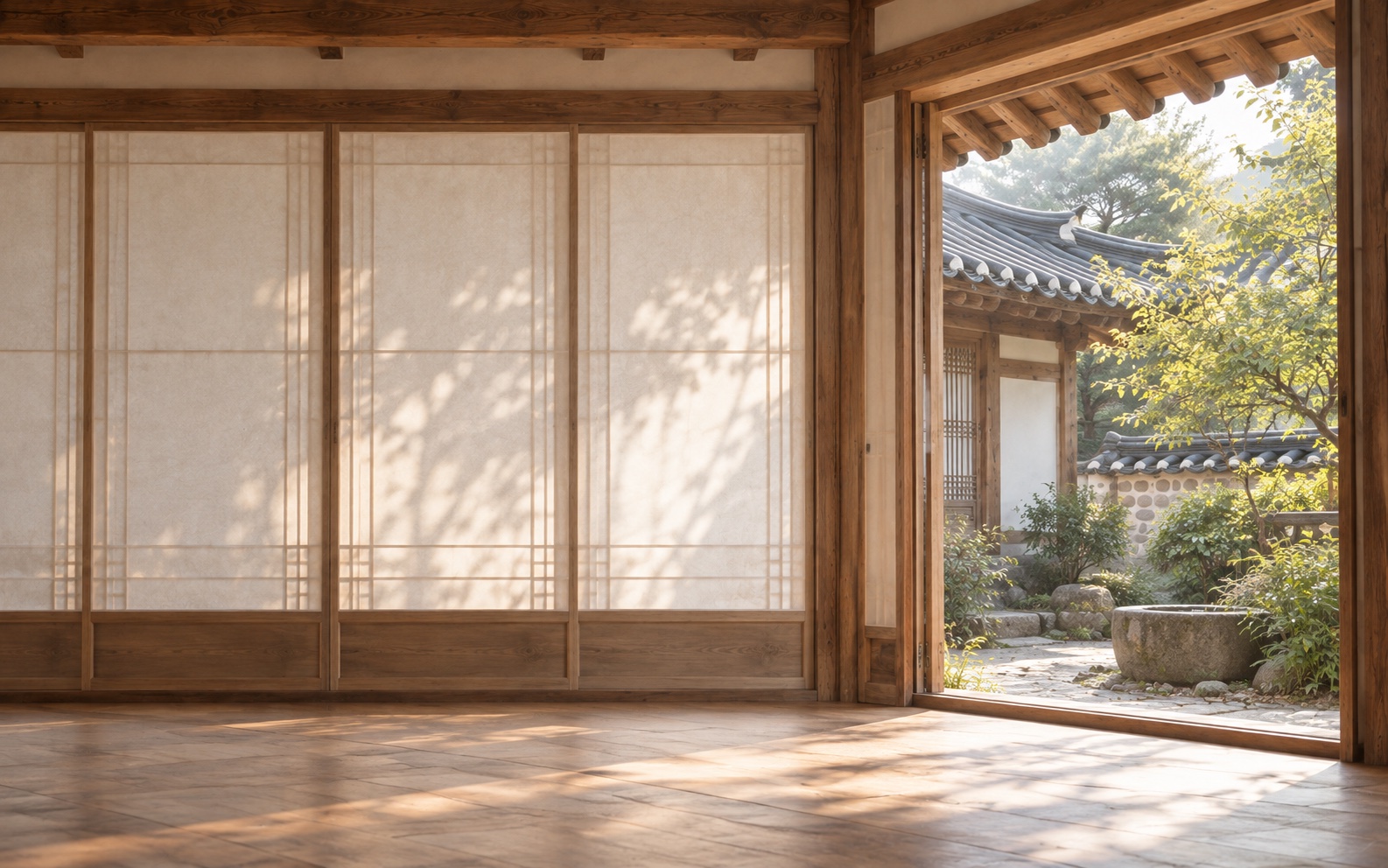
Bring apps, files, links, tasks, and notes together in each chae. Spend less time finding your way back.

Connect Google Calendar to see your schedule, plan your tasks, and record the time you actually spent.

Hanchae references your apps, files, and URLs where they are. Keep working with the tools and materials you already use.

A chae is a space for the context of your work. Make one for writing, studying, or a project, and bring its apps, materials, tasks, and notes together. The name comes from the Korean word for a building within a home.
Account sign-in and Calendar access are separate choices. Connecting Calendar lets you manage events and record completed focus sessions in a dedicated Hanchae calendar.
Registered apps, files, and folders are references to their original locations. Their contents are not uploaded automatically. Your chae, tasks, and notes sync between devices signed into the same account.

MAKE YOURSELF AT HOME
Open the door to a calmer working day.
macOS · Windows